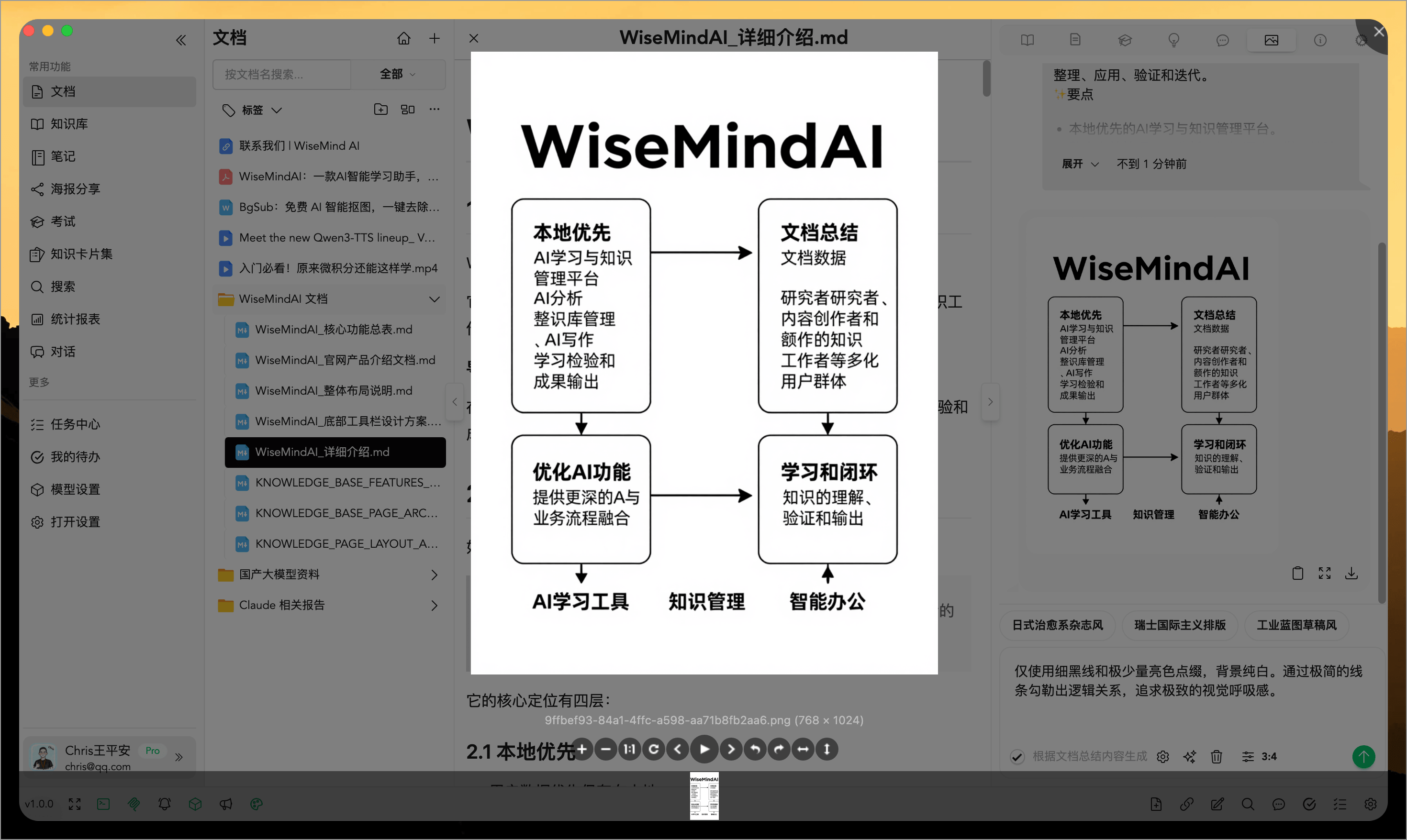
📊 WiseMindAI Infographics
WiseMind AI now offers the Infographic feature, which generates beautiful infographics from document content. By visualizing key points, it helps you better comprehend and present complex information.
Additionally, WiseMind AI includes a variety of high-quality infographic style templates that allow for quick switching to one-click generation suitable for different scenarios.
Basic Setup
Please configure your Image Generation Model Key first.
💡 Feature Overview
- Automatically generate infographics from document content
- Visualize key points for easier understanding and dissemination
- Includes multiple infographic style templates for quick switching
📖 How to Use
1. Access the Infographic Entry Point
Navigate to the Infographic feature entry within a document or knowledge note.
2. Select an Infographic Template Style
Choose a suitable style from the built-in templates, preview the effect, and confirm generation.
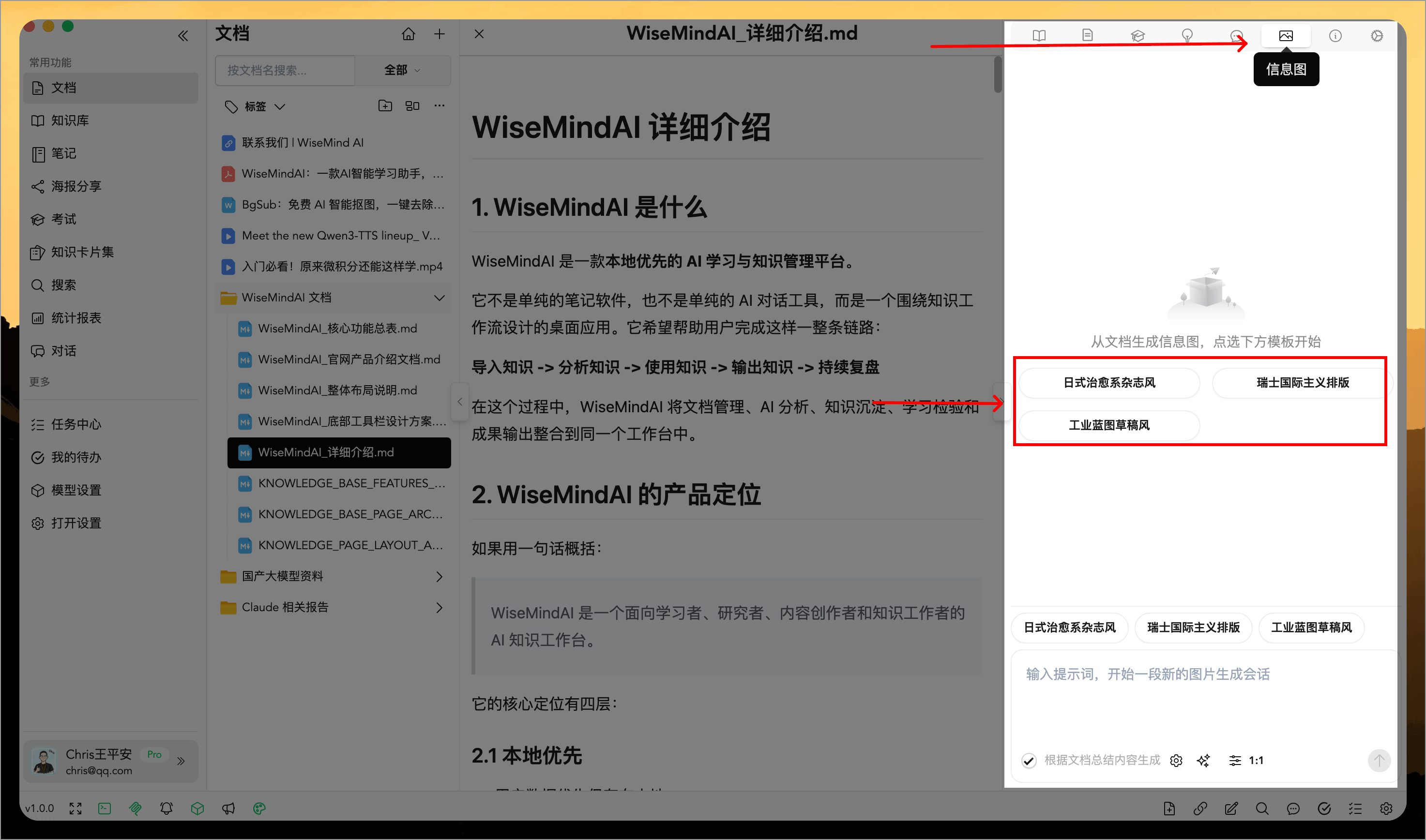
You can also click the "Select Prompt" button below to choose a prompt style that suits your image generation needs:
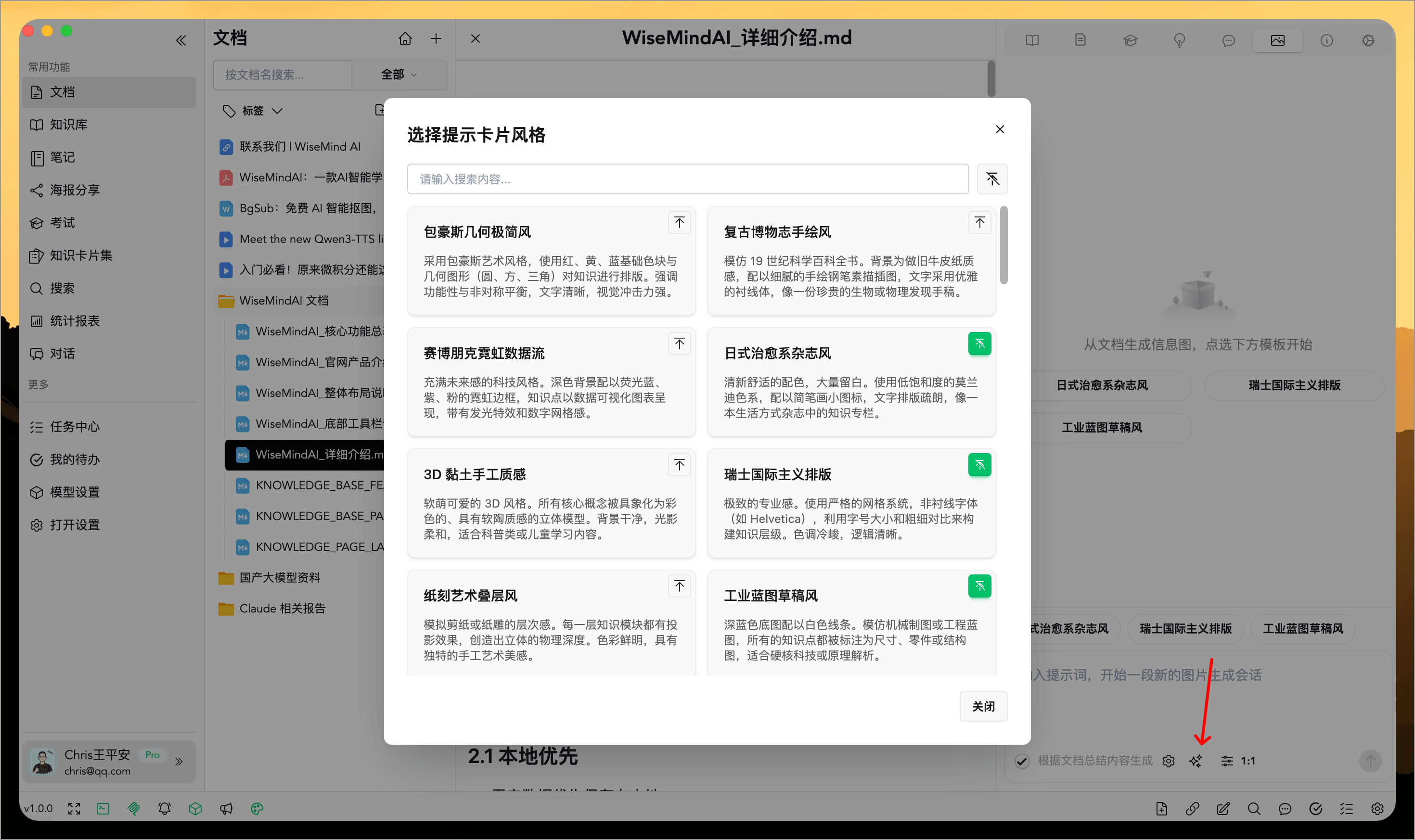
3. Generate and Save Your Infographic
After generating, you can save it locally, copy and share it, or continue adjusting the content.